Set up in four steps
- 1
Join and pick your code
Sign in with your Wishorium account (or make one), choose a short code and give us the PayPal email to pay. It is free, with no targets.
- 2
Copy your link
Open the Links tab on your dashboard. Your link works on the home page or any page you choose, and you can add a label for each place you share it (tiktok, newsletter…) to see which one brings sign-ups. The QR code is for anything printed.
- 3
Share it
Post a picture from this page with your link, put a banner on your website, or paste one of the posts into your newsletter or bio. Say it is an ad, and share again a week or two later.
- 4
Watch it work
The Overview tab counts visits and sign-ups. Earnings appear on the Earnings tab, with counts and amounts only: never who signed up or bought.
Banners, pictures and posts
Free to use on your own website and channels. Download them here, or open the Promote tab on your dashboard to copy banner code and posts with your own link already in them. Please don’t change the pictures.
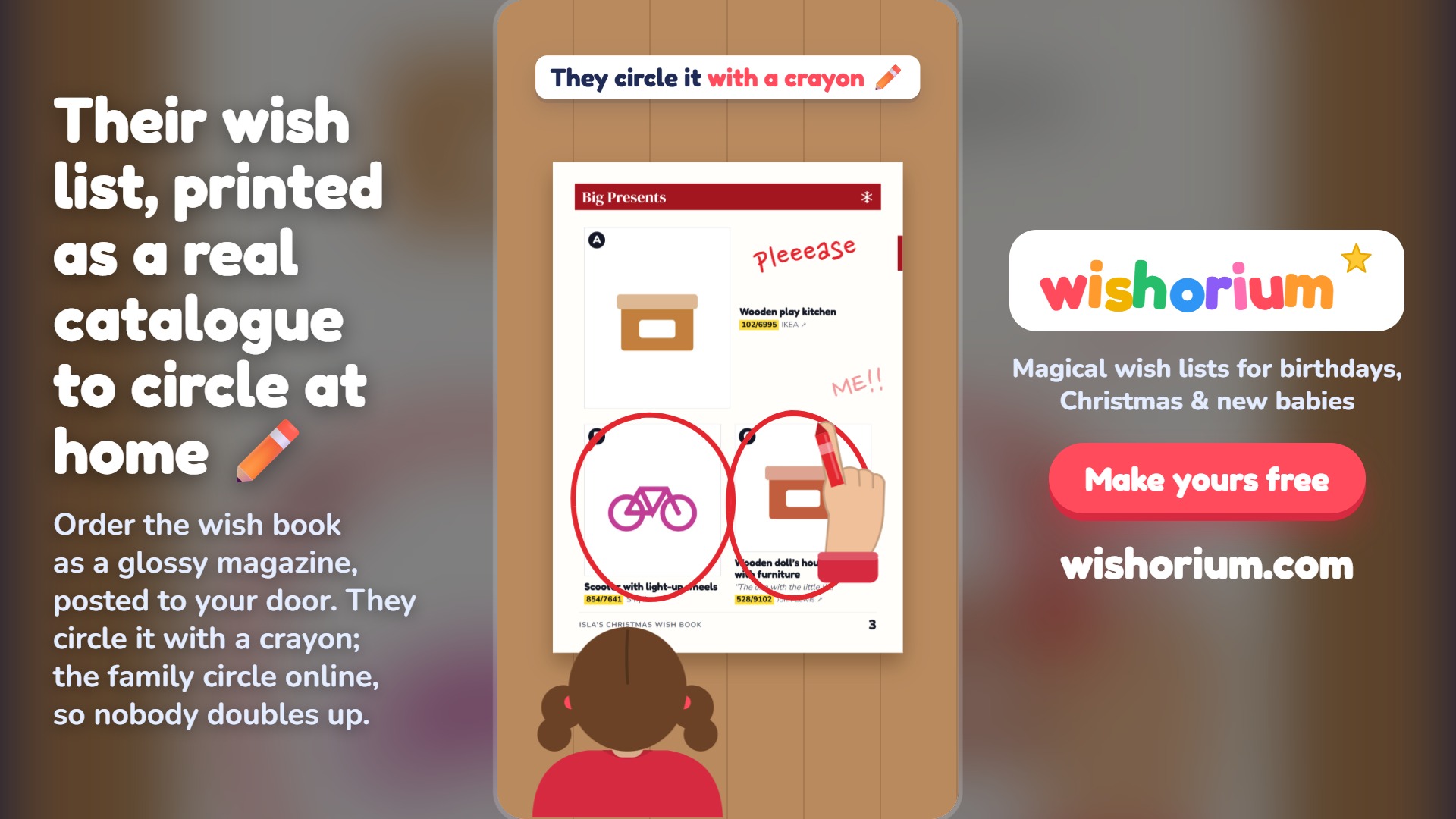
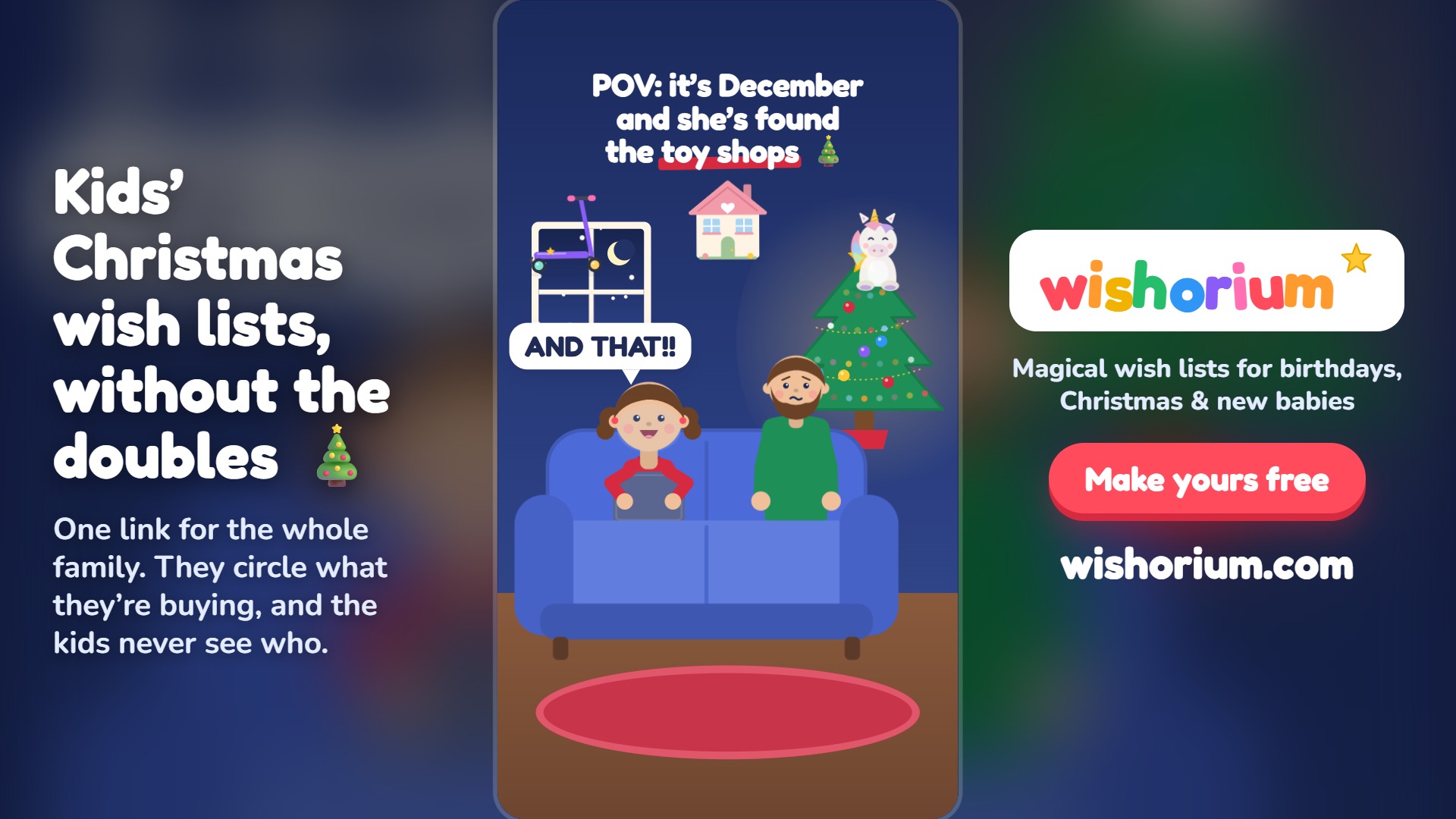
Pictures for your posts
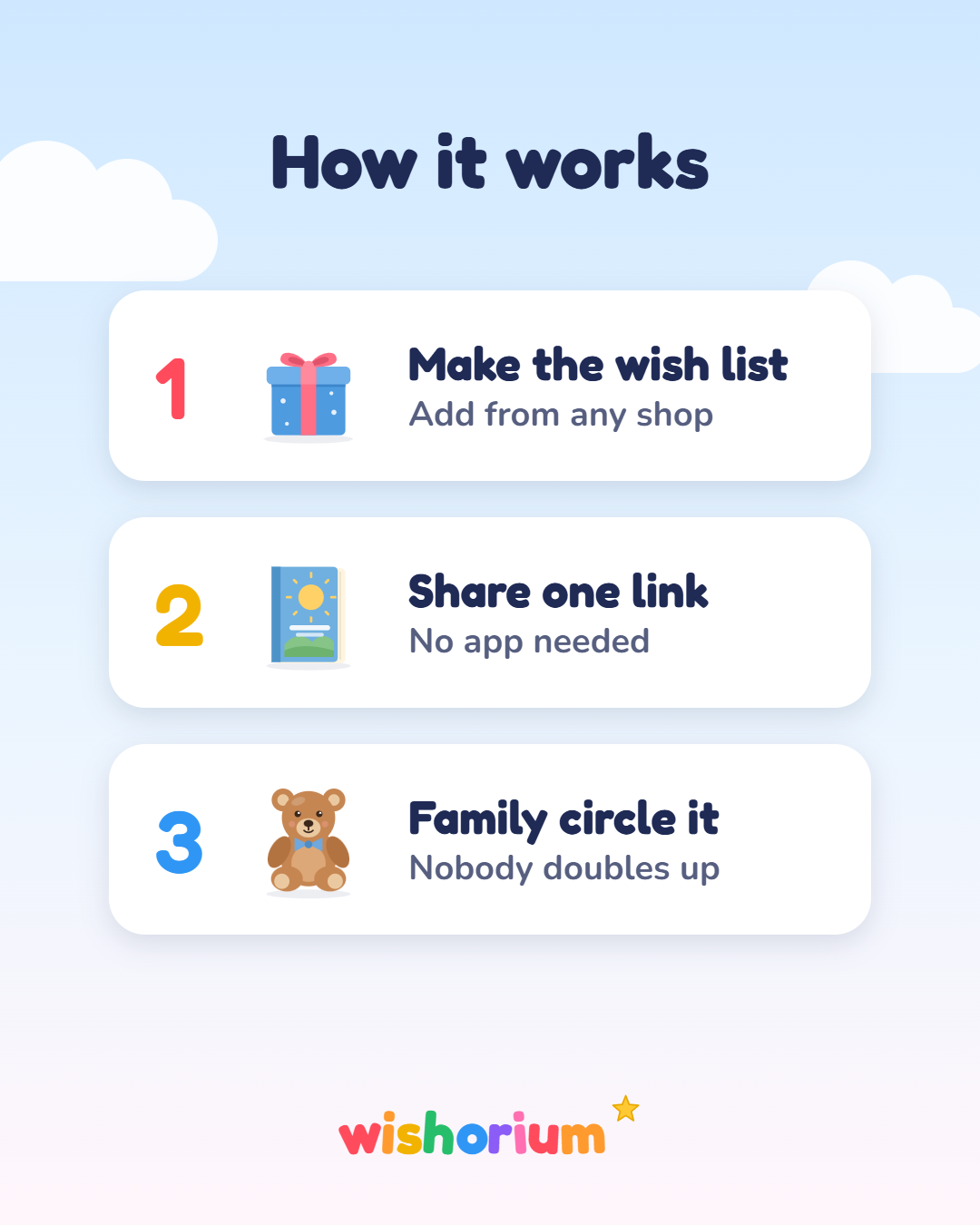
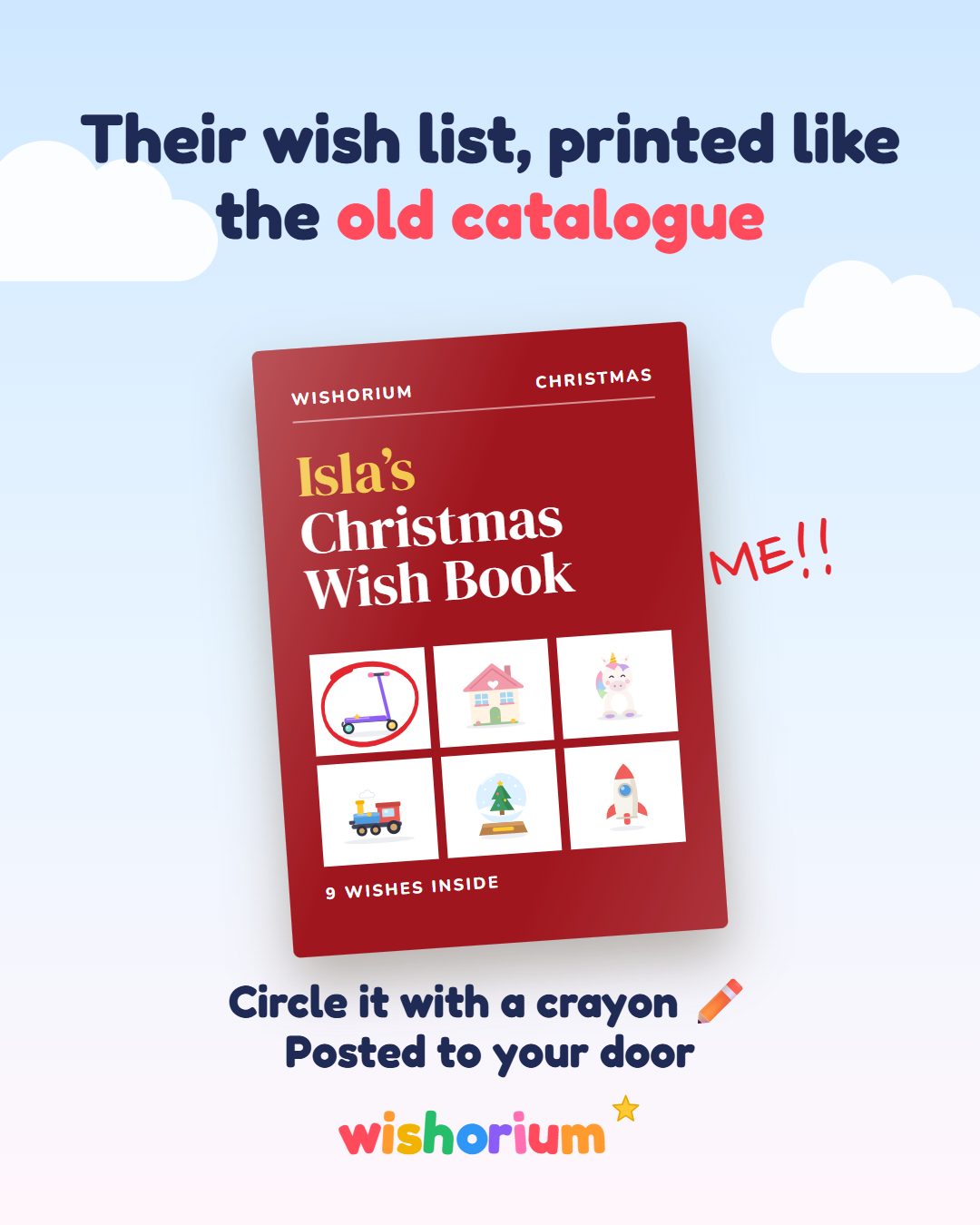
Banners for your website

Words to post
Swap “your link” for your link from the dashboard. Keep the “#ad”.
Instagram or Facebook
Our Christmas list this year is a proper catalogue, like the old high-street toy catalogue 🎄 The family circle what they’re buying, so nobody doubles up and the surprise stays a surprise. It’s free to make: your link #ad
A new baby
Making a baby gift list? Wishorium lets you add things from any shop, and everyone circles what they’re getting so you don’t end up with five of the same sleepsuit. Free: your link #ad
TikTok or Reels voice-over
Remember circling the Christmas catalogue as a kid? You can make one for your kids now: add toys from any shop, share the link, family circle what they’re buying. Link in bio. #ad
Email or newsletter
One thing that saved our Christmas: Wishorium. You make a free wish book that looks like the old toy catalogue, add presents from any shop, and the family circle what they’re getting so nothing’s bought twice. You can even have it printed. Have a look: your link (affiliate link: I’m paid a little if you make one and it’s used).
Do and don’t
- Say it’s an ad every time: “#ad” or “affiliate link”.
- Show what Wishorium really does: free wish books, printed copies and posted thank-you cards.
- Use your own channels, in your own name.
- Don’t bid on the word “Wishorium” in search ads, or pretend to be us.
- Don’t promise prices, discounts or features we don’t offer.
- No spam, no paying people to sign up, and don’t aim your promotion at children.